
 AsyaTicari
 AsyaRestoran
 AsyaOtel
 AsyaCrm
 AsyaKlinik
 AsyaSpor
 AsyaSSH
 AsyaEmlak
 AsyaFilo
 AsyaPuantaj
 AsyaİSG
 AsyaİHD
 Kolay Öğren
AsyaCrm · Reports
Checklist Report
Answers to question sets (checklists) filled in on activities and tasks, by date range.
The Checklist Report collects the question set answers filled in when an activity or task is closed in the field — shelf audits, visit surveys, service checks. The screen appears only when the Question sets / Checklist module is enabled.
asyacrm · /raporlar/kontrol-listesi
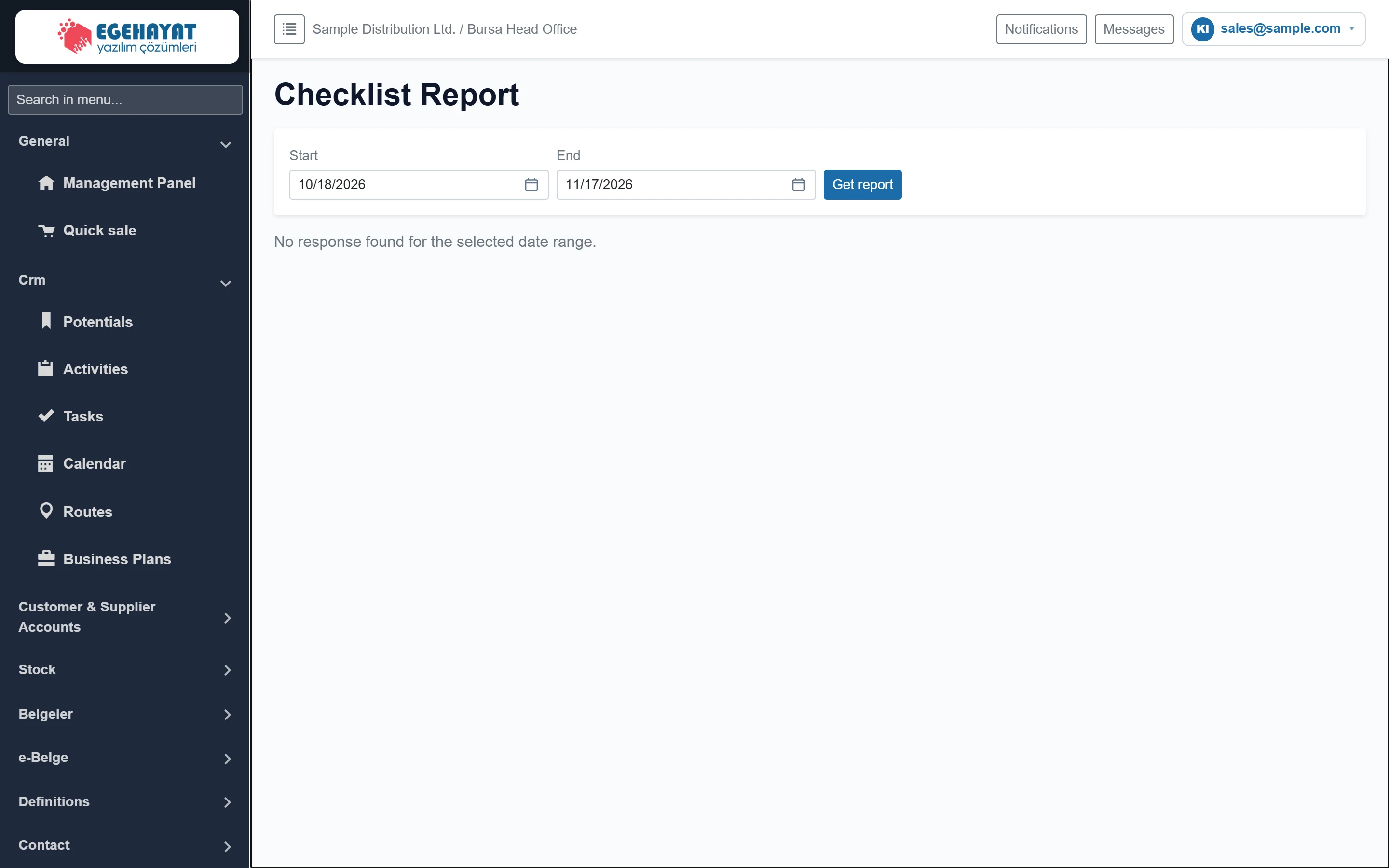
- 1Start First day of answers (default: 30 days ago).
- 2End Last day (default: today).
- 3Get report Lists the answers in the selected range.
- 4Result Shows this notice if there are no answers, otherwise the answer table.
Date range
Part of the screenReport range

| Field | Sign in | Description |
|---|---|---|
| Start | Text | Answers from this day on are listed. Type the date or pick it from the calendar. Placeholder: «mm/dd/yyyy» |
| End | Text | Answers up to the end of this day are included. Placeholder: «mm/dd/yyyy» |
When the screen opens, the answers of the last 30 days are listed automatically. After changing the range, click Get report.
Answer table
If there are answers in the range, the table shows them newest first:
| Column | Description |
|---|---|
| Date | Day and time the answer was saved. |
| Source | The record it came from: “Aktivite #number” or “Task #number”. |
| Question set | Name of the checklist. |
| Question | Question text at the time of answering (later changes do not affect the report). |
| Reply | Yes / No, rating, number, date, selected options (comma-separated) or free text; empty answers show “—”. |
Step by step
- Select the Start and End days.
- Click Get report.
- Use the number in the Source column to find the activity or task on the Activities / Tasks screen.
Prepare question sets under Definitions → Question Sets and link them to activity types, business plans or route settings; the answers then appear in this report.
Common messages
| Message | Cause | Solution |
|---|---|---|
| No response found for the selected date range. | No checklist was filled in during the range. | Widen the range or check that the question set is linked to activities / tasks. |