
 AsyaTicari
 AsyaRestoran
 AsyaOtel
 AsyaCrm
 AsyaKlinik
 AsyaSpor
 AsyaSSH
 AsyaEmlak
 AsyaFilo
 AsyaPuantaj
 AsyaİSG
 AsyaİHD
 Kolay Öğren
AsyaSpor · Contact
Automation
Notification rules for fee due dates, absence and birthdays.
The Automation screen lists the automatic notification rules: fee due date, absence and birthday. Each rule shows its type, channel and whether it is enabled.
asyaspor · /otomasyon
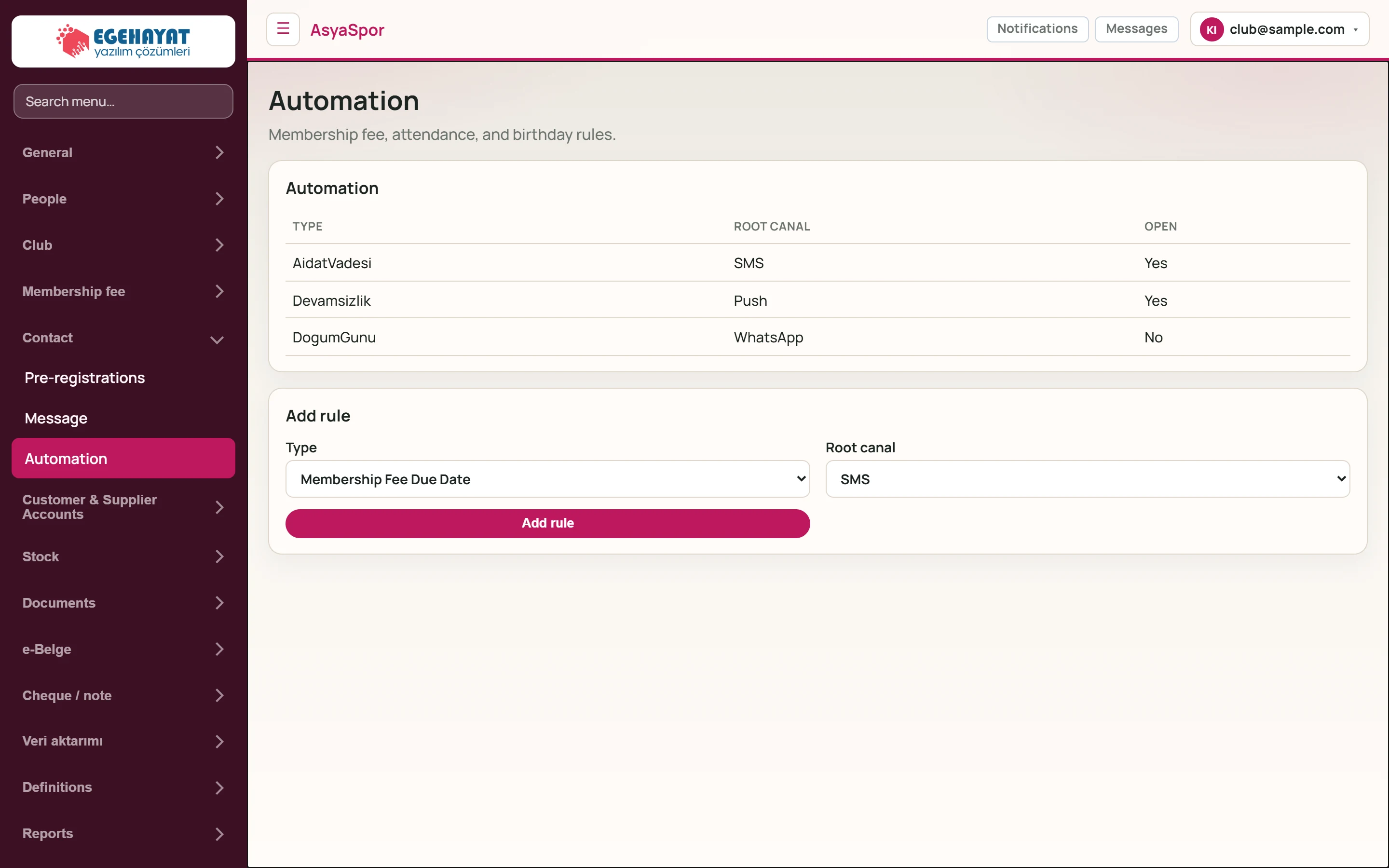
- 1Membership fee, attendance, and birthday rules. Short description of the screen.
- 2AidatVadesi SMS Yes Rule: type, channel, enabled.
- 3Add rule New rule form.
Add rule
Part of the screenAdd rule
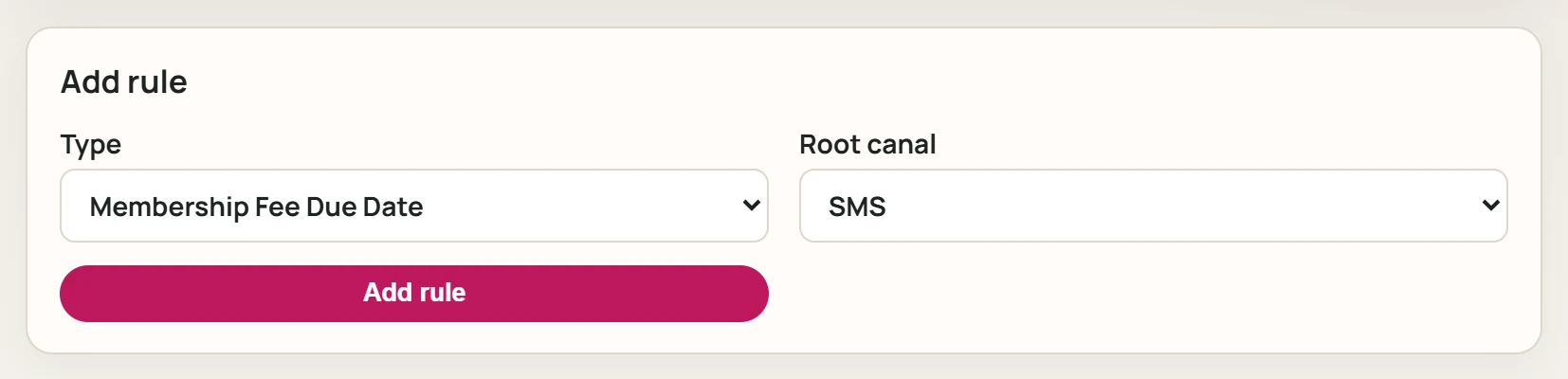
- 1Add rule Adds the rule as enabled.
| Field | Sign in | Description |
|---|---|---|
| Type | Choice list | Fee due date, absence or birthday. Options: Membership Fee Due Date · Absence · Date of Birth |
| Root canal | Choice list | Channel the notification goes to: SMS, push, WhatsApp, email. Options: SMS · Push · WhatsApp · Email |
Choose Type and channel and press Add rule; the rule is added as enabled.
Rules produce messages while the provider of the chosen channel is enabled. Providers such as Netgsm and WhatsApp are off by default.