
 AsyaTicari
 AsyaRestoran
 AsyaOtel
 AsyaCrm
 AsyaKlinik
 AsyaSpor
 AsyaSSH
 AsyaEmlak
 AsyaFilo
 AsyaPuantaj
 AsyaİSG
 AsyaİHD
 Kolay Öğren
AsyaPuantaj · Management
System punches
Who changed which record and when: permissions, manual entries, locations, staff and rejected punch attempts.
System punches is the audit log: it shows who did what, when and from which IP, such as permission changes, manual entries, location and staff changes and rejected punch attempts.
asyapuantaj · /sistem-hareketleri
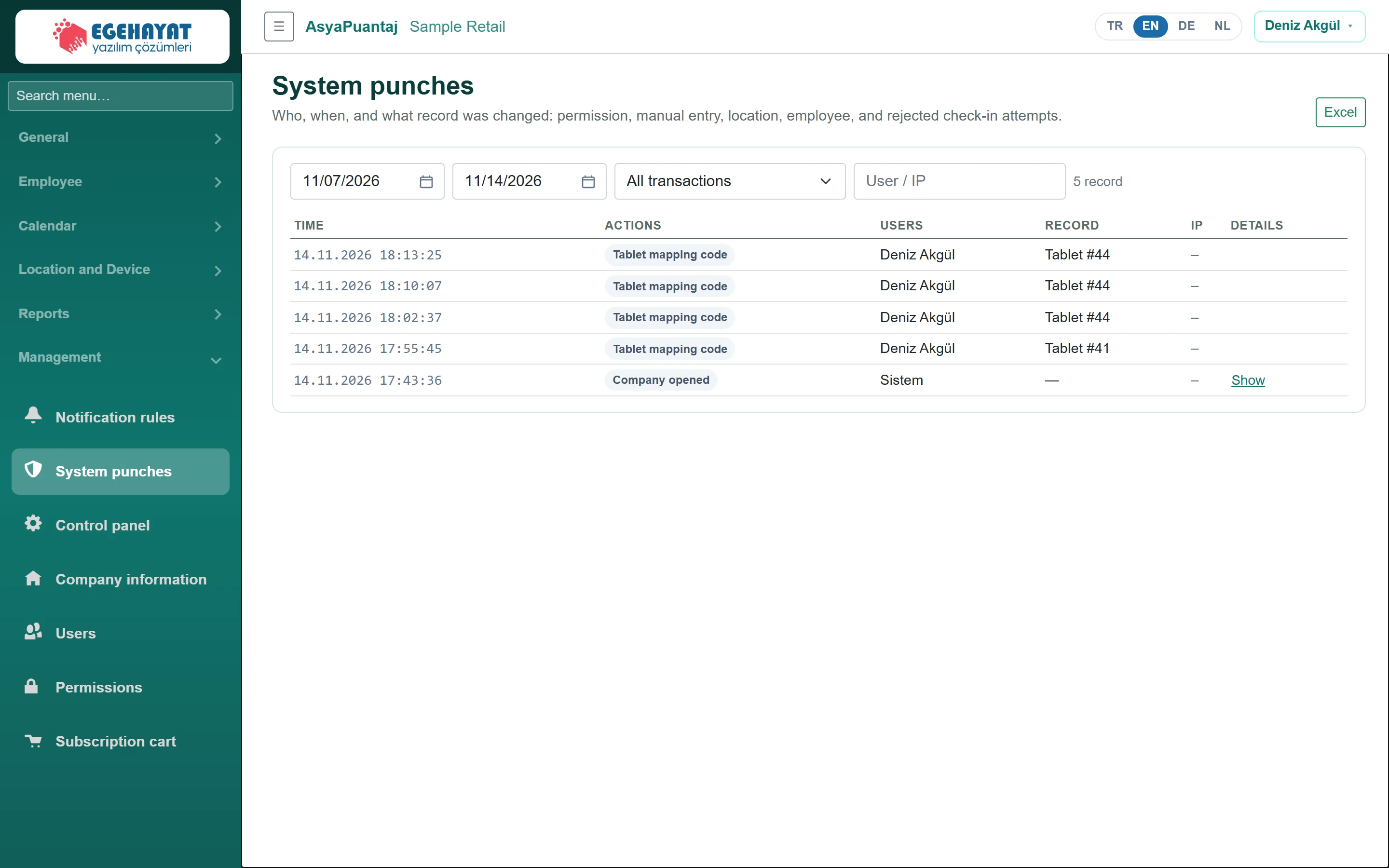
- 1All transactions Filter by date range, action type and user / IP.
- 2Excel Export the list to Excel.
- Choose the date range and the action type in All transactions.
- Narrow down with the User / IP box.
- In the Details column click Show to open the record's details.
- Download the list with Excel.
Critical actions (e.g. permission changes) are highlighted. Automatic actions without a user are shown as «Sistem».