
 AsyaTicari
 AsyaRestoran
 AsyaOtel
 AsyaCrm
 AsyaKlinik
 AsyaSpor
 AsyaSSH
 AsyaEmlak
 AsyaFilo
 AsyaPuantaj
 AsyaİSG
 AsyaİHD
 Kolay Öğren
AsyaOtel · Hotel definitions
Hotel definitions: rooms, room types, bed types, boards, departments
Room cards and bulk room creation; room type, bed type, board, revenue department and front office definitions.
The Front office definitions, Bed type, Room type, Board, Rooms and Revenue departments screens share the same layout: form at the top, list below. Edit loads a row into the form, Delete removes it, Clear empties the form.
Suggested order: bed type → room type → board → rooms → revenue departments.
Rooms
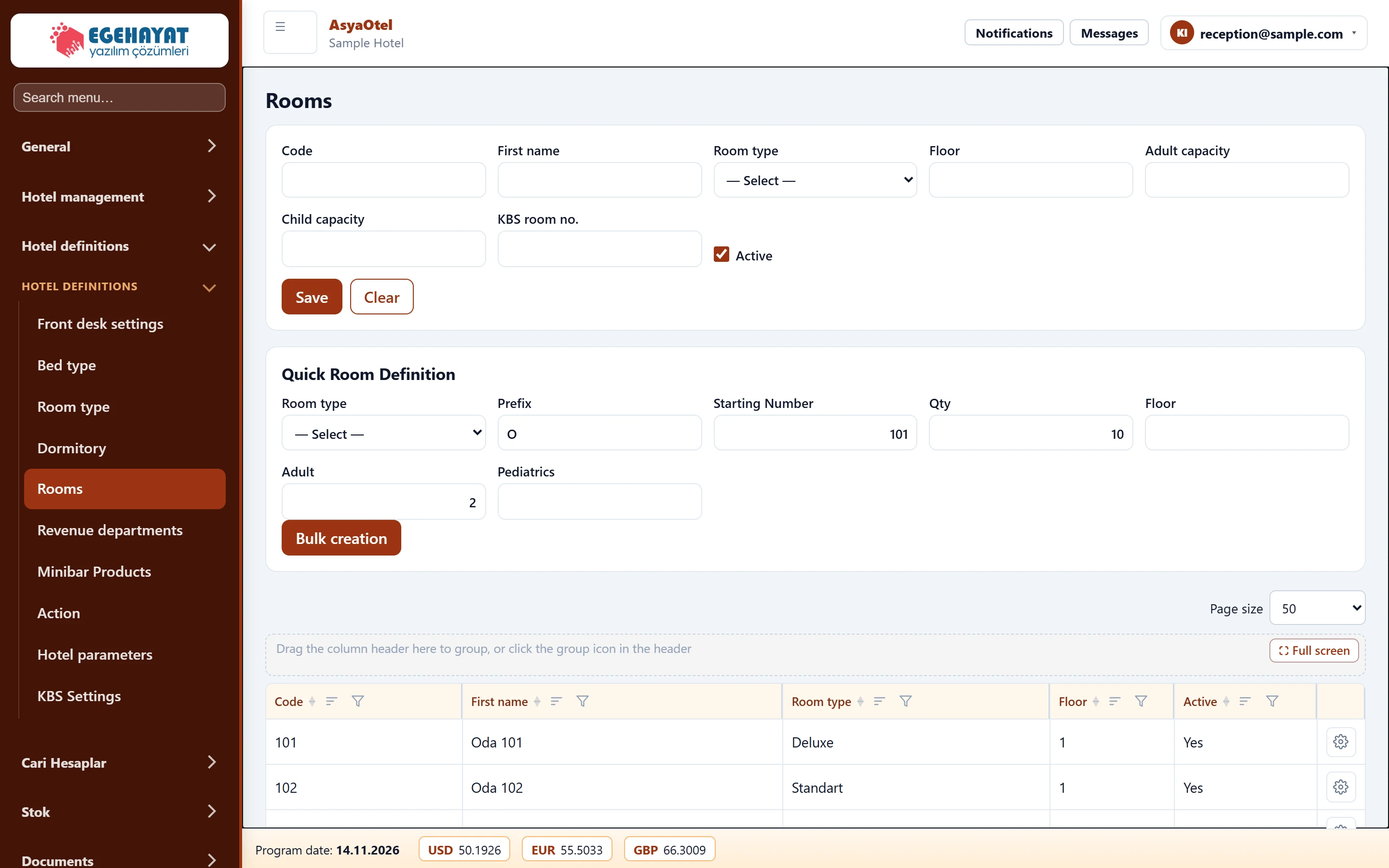
- 1Room card Single room: code, name, type, floor, capacity, KBS room no.
- 2Quick room setup Create many rooms at once with prefix, start number and count.
- 3List Defined rooms; Edit / Delete.
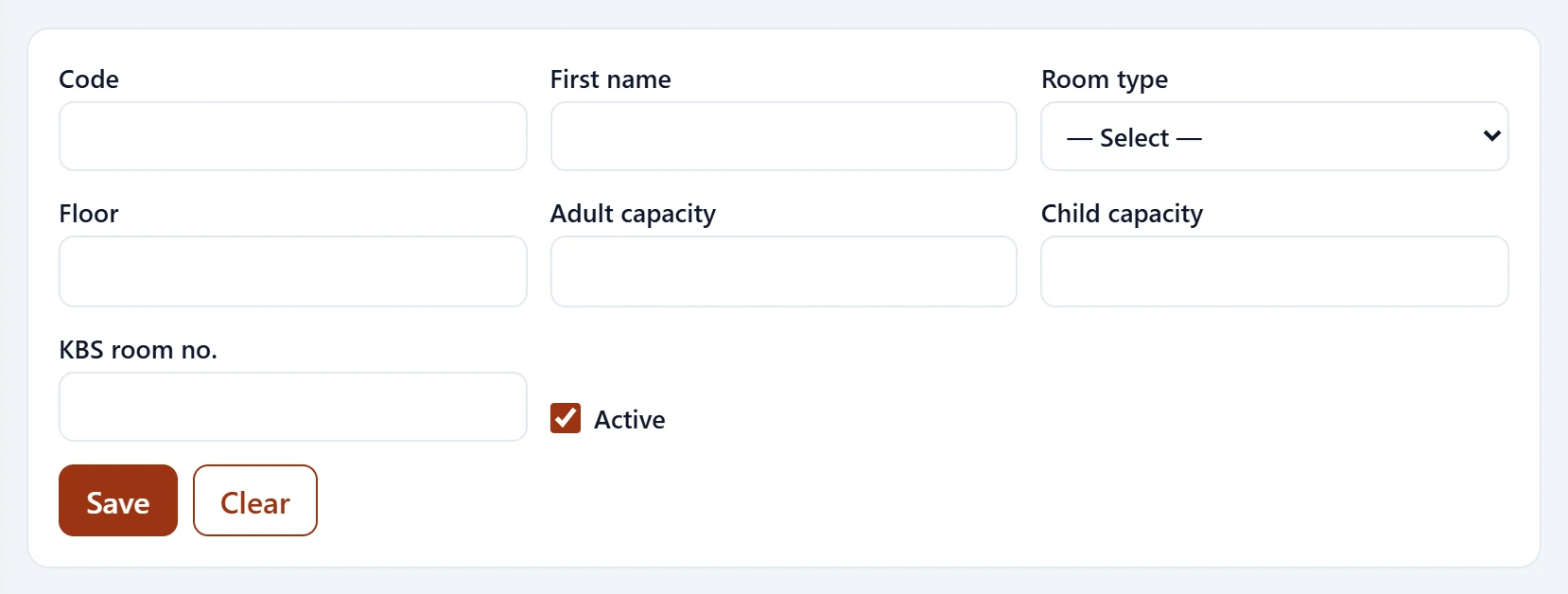
| Field | Sign in | Description |
|---|---|---|
| Code | Text | Room number (e.g. 101). |
| First name | Text | Room name. |
| Room type | Choice list | Room type (Hotel definitions → Room type). Options: — Select — · OCA-DLX — Deluxe · OCA-STD — Standart · OCA-STE — Suit |
| Floor | Text | Floor of the room; defines the floor headings in the room rack. |
| Adult capacity | Text | Maximum adults. |
| Child capacity | Text | Maximum children. |
| KBS room no. | Text | Room number reported to KBS; if empty the room code is used. |
| Active | Checkbox | When off, it is hidden from drop-downs. |
Quick room setup
Creates many rooms at once, e.g. no prefix, start number 101, count 20, floor 1 → 101 … 120.
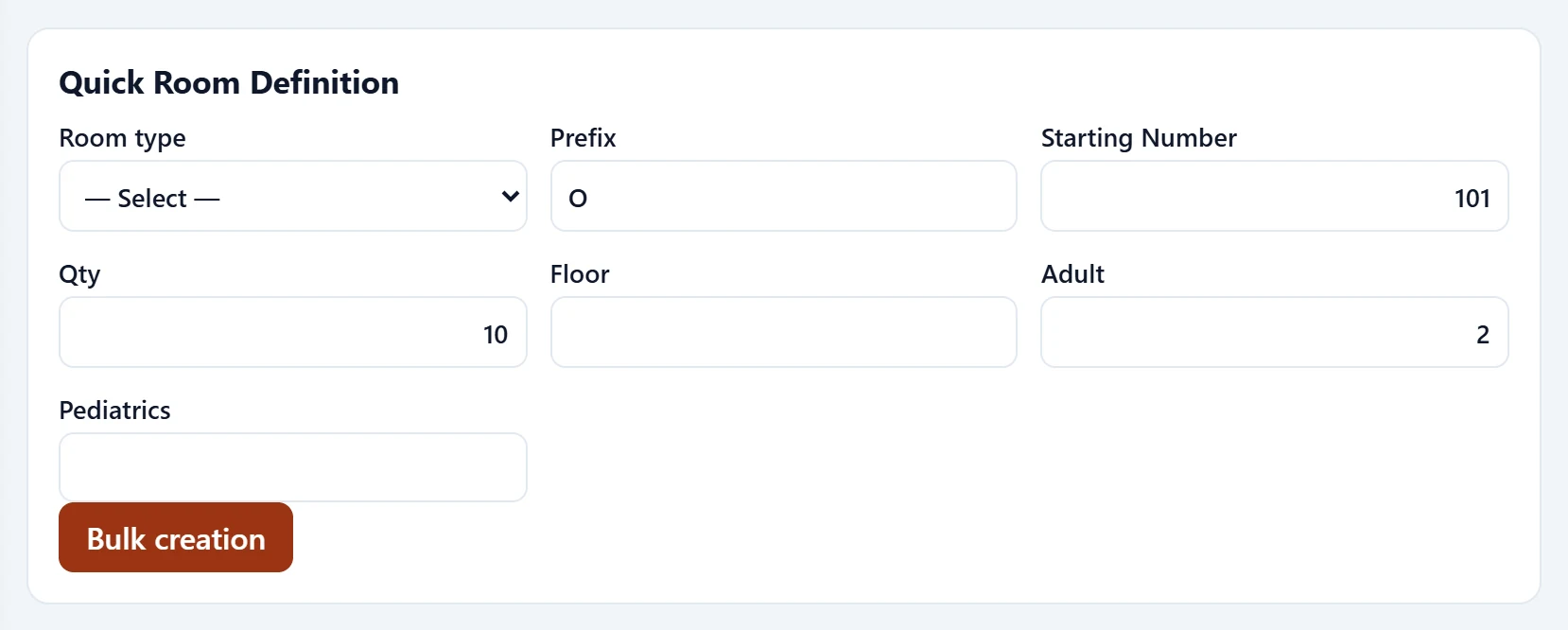
| Field | Sign in | Description |
|---|---|---|
| Room type | Choice list | Room type (Hotel definitions → Room type). Options: — Select — · OCA-DLX — Deluxe · OCA-STD — Standart · OCA-STE — Suit |
| Prefix | Text | Prefix added to the room code (optional). |
| Starting Number | Text | First room number. |
| Qty | Text | Number of rooms to create. |
| Floor | Text | Floor of the room; defines the floor headings in the room rack. |
| Adult | Text | Adult capacity. |
| Pediatrics | Text | Child capacity. |
Room type
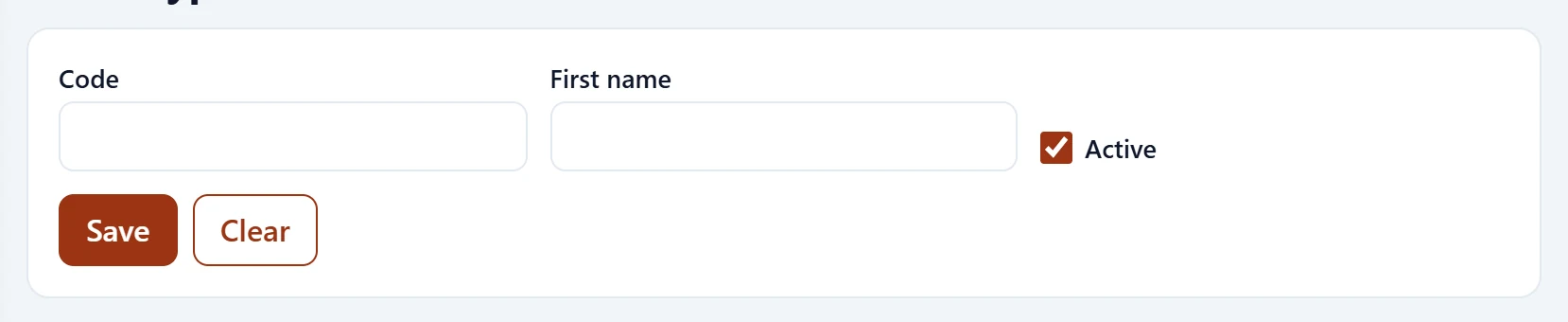
| Field | Sign in | Description |
|---|---|---|
| Code | Text | Short code shown in lists and drop-downs. |
| First name | Text | Name of the definition. |
| Active | Checkbox | When off, it is hidden from drop-downs. |
Bed type
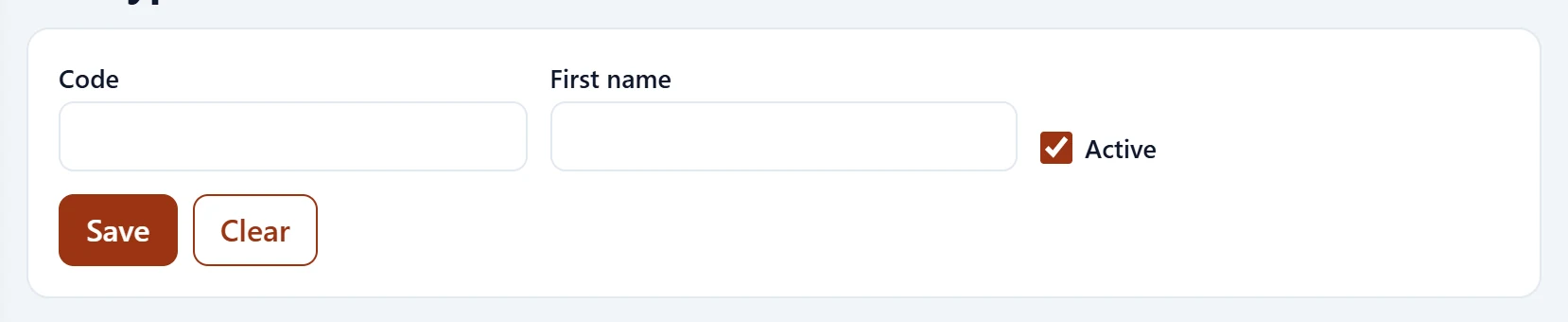
| Field | Sign in | Description |
|---|---|---|
| Code | Text | Short code shown in lists and drop-downs. |
| First name | Text | Name of the definition. |
| Active | Checkbox | When off, it is hidden from drop-downs. |
Board
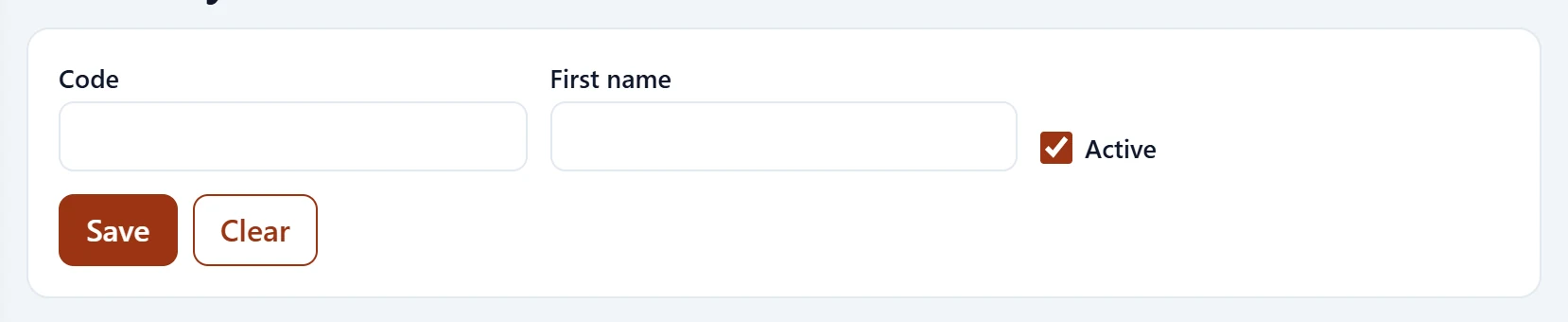
| Field | Sign in | Description |
|---|---|---|
| Code | Text | Short code shown in lists and drop-downs. |
| First name | Text | Name of the definition. |
| Active | Checkbox | When off, it is hidden from drop-downs. |
Revenue departments
Every revenue posted to a folio belongs to a department. The department type decides where the revenue goes in reports and the night audit: room revenue, board revenue, room revenue VAT, accommodation tax, restaurant, lobby, minibar, other.
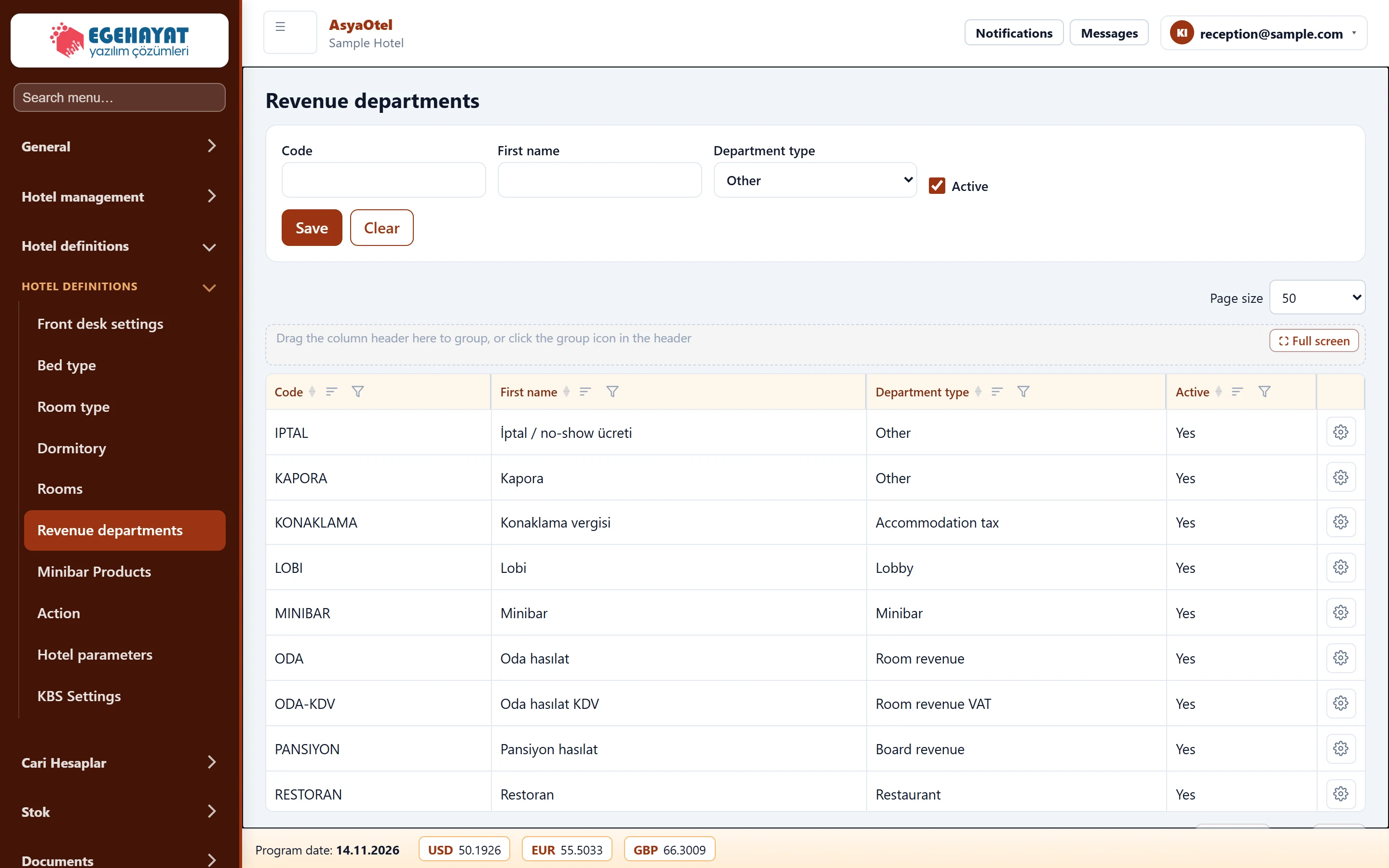
- 1Department Code, name, department type.
- 2List Departments.
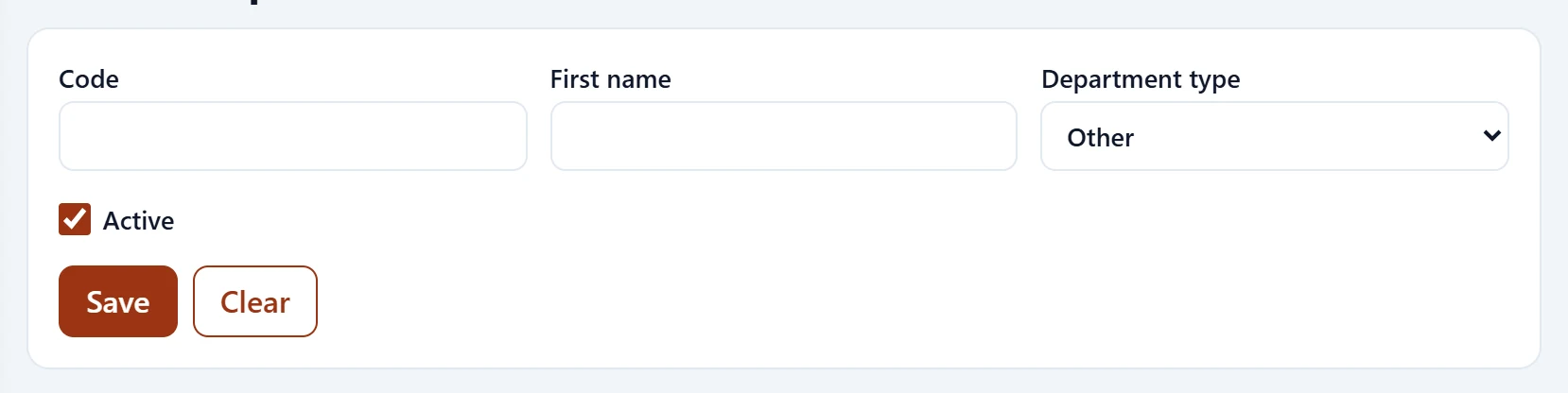
| Field | Sign in | Description |
|---|---|---|
| Code | Text | Short code shown in lists and drop-downs. |
| First name | Text | Name of the definition. |
| Department type | Choice list | Where revenue goes in reports and the night audit: room, board, VAT, accommodation tax, restaurant, lobby, minibar, other. Options: Room revenue · Board revenue · Room revenue VAT · Accommodation tax · Restaurant · Lobby · Minibar · Other |
| Active | Checkbox | When off, it is hidden from drop-downs. |
Front office definitions
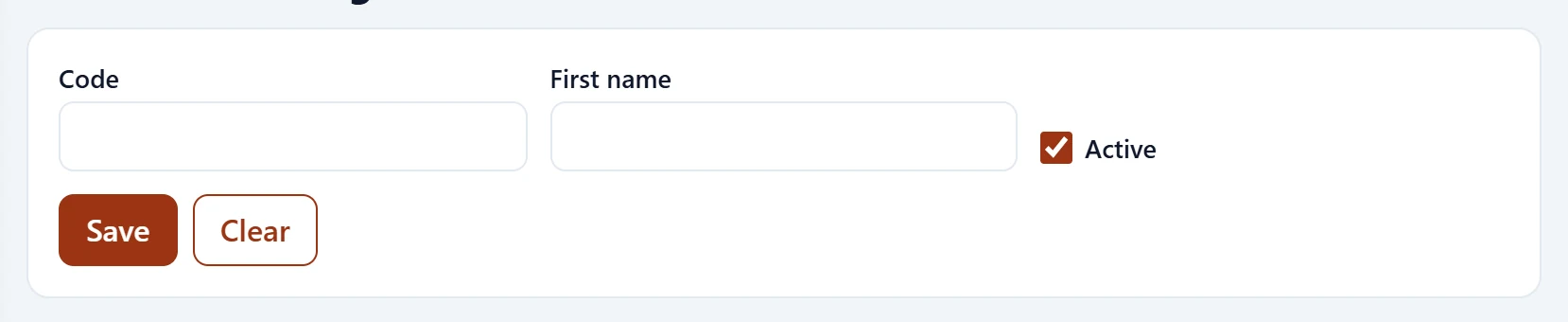
| Field | Sign in | Description |
|---|---|---|
| Code | Text | Short code shown in lists and drop-downs. |
| First name | Text | Name of the definition. |
| Active | Checkbox | When off, it is hidden from drop-downs. |