
 AsyaTicari
 AsyaRestoran
 AsyaOtel
 AsyaCrm
 AsyaKlinik
 AsyaSpor
 AsyaSSH
 AsyaEmlak
 AsyaFilo
 AsyaPuantaj
 AsyaİSG
 AsyaİHD
 Kolay Öğren
AsyaOtel · Hotel management
Channel mapping
Mapping channel room and rate codes to room types / boards, and sub-channels to agencies.
On Channel Mapping channel room and rate codes are mapped to AsyaOtel room types and boards, and sub-channels (Booking, Expedia …) to agency accounts.
asyaotel · /kanal/esleme
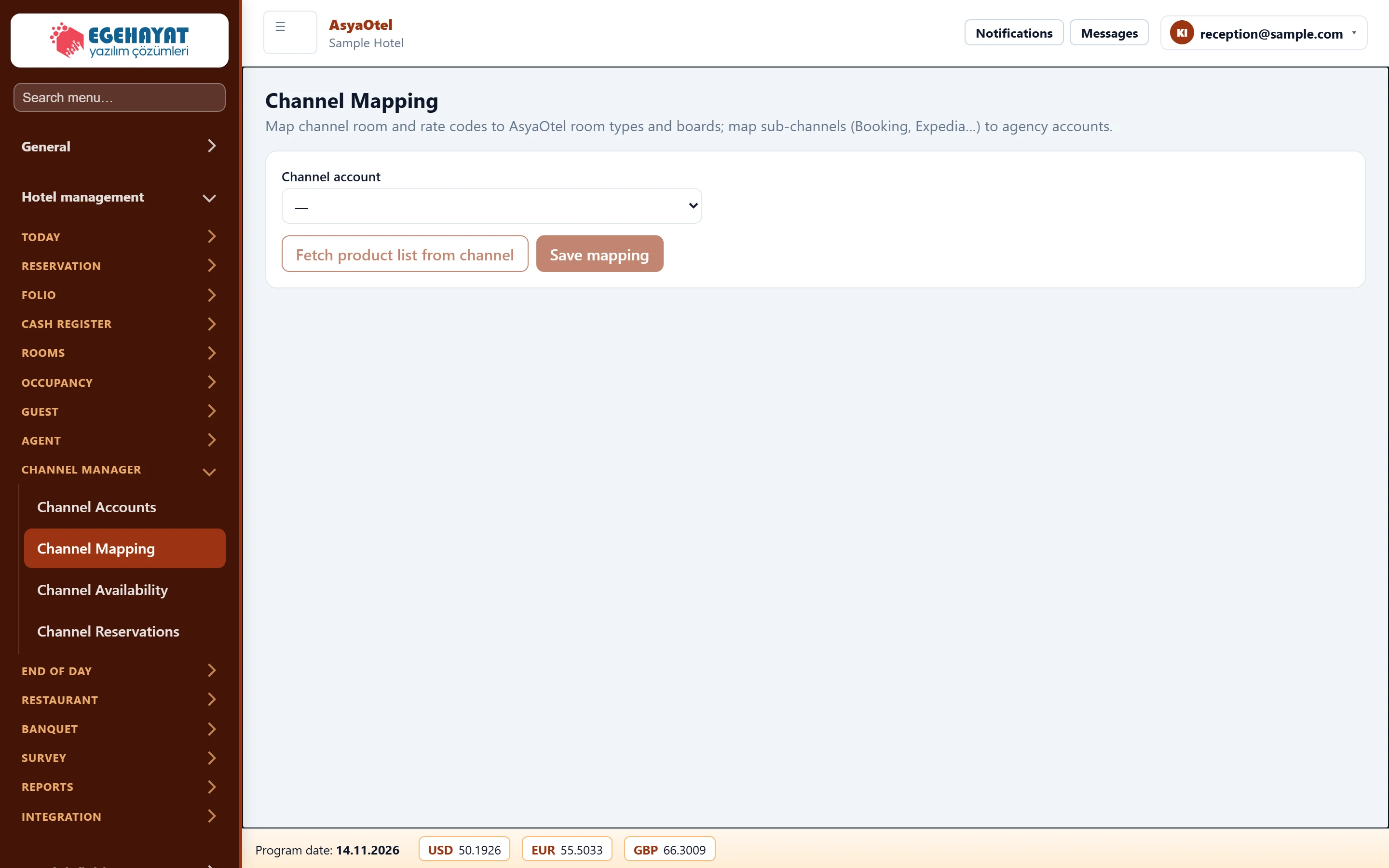
- 1Channel account Channel account selection.
- 2Fetch product list from channel Fetch the product list from the channel / save the mapping.
- Choose the channel account.
- Fetch product list from channel loads the channel's room / rate codes.
- In room mapping choose a room type for each channel room code.
- In rate mapping enter room type, board, persons and difference % for each rate code. The price is calculated from the hotel price lists for room type × board; if persons is empty the base adults of the room type are used.
- Map sub-channel → agency; bookings from unmapped sub-channels go to the account's default agency.
- Save mapping.
No price is sent for codes without a rate mapping.