
 AsyaTicari
 AsyaRestoran
 AsyaOtel
 AsyaCrm
 AsyaKlinik
 AsyaSpor
 AsyaSSH
 AsyaEmlak
 AsyaFilo
 AsyaPuantaj
 AsyaİSG
 AsyaİHD
 Kolay Öğren
AsyaEmlak · Real estate
Quote and contract
Saving offers on listings and the sales promise contract with a deposit.
On Quote and contract you record offers made on a listing and the signed contract.
asyaemlak · /islem
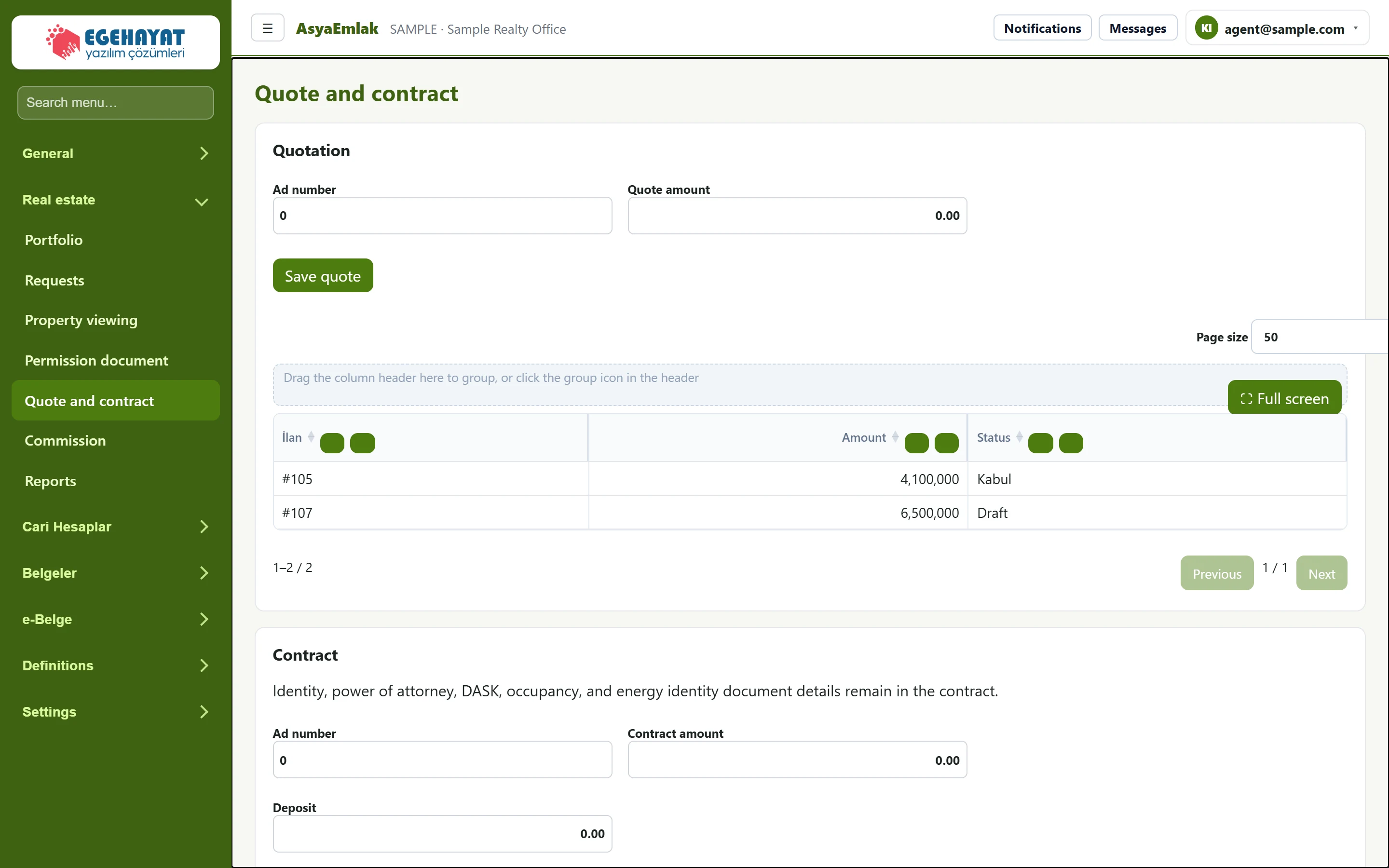
- 1Ad number Offer entry.
- 2Page size Saved offers: listing, amount, status.
- 3Identity, power of attorney, DASK, occupancy, a… Document note added to the contract.
- 4Ad number Contract entry.
Quotation
Part of the screenQuotation
| Field | Sign in | Description |
|---|---|---|
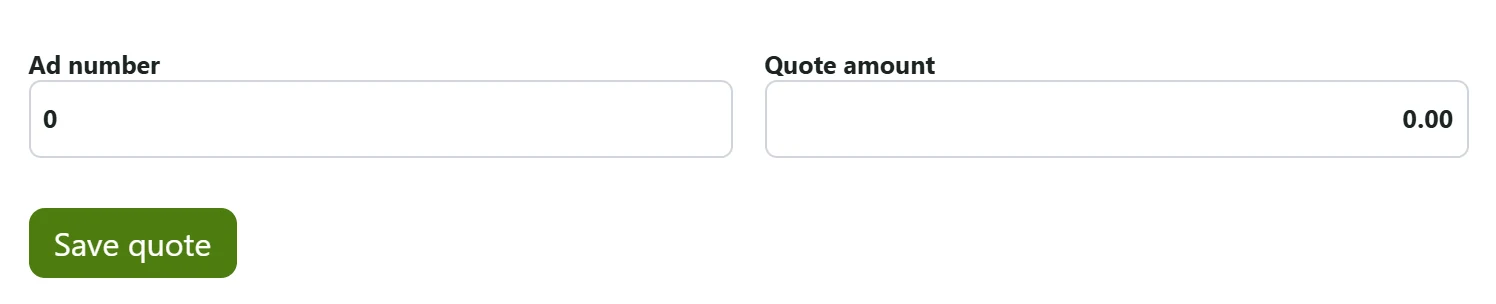
| Ad number | Text | Record number of the listing the offer is for. |
| Quote amount | Text | Amount offered by the buyer. |
- In Ad number enter the listing's record number: the number shown with # in the lists (e.g. #105). The EML-… listing number from the portfolio is not entered here.
- Enter Quote amount and press Save quote. The offer is added in draft status to the table below (listing, Amount, status).
Contract
Part of the screenContract
| Field | Sign in | Description |
|---|---|---|
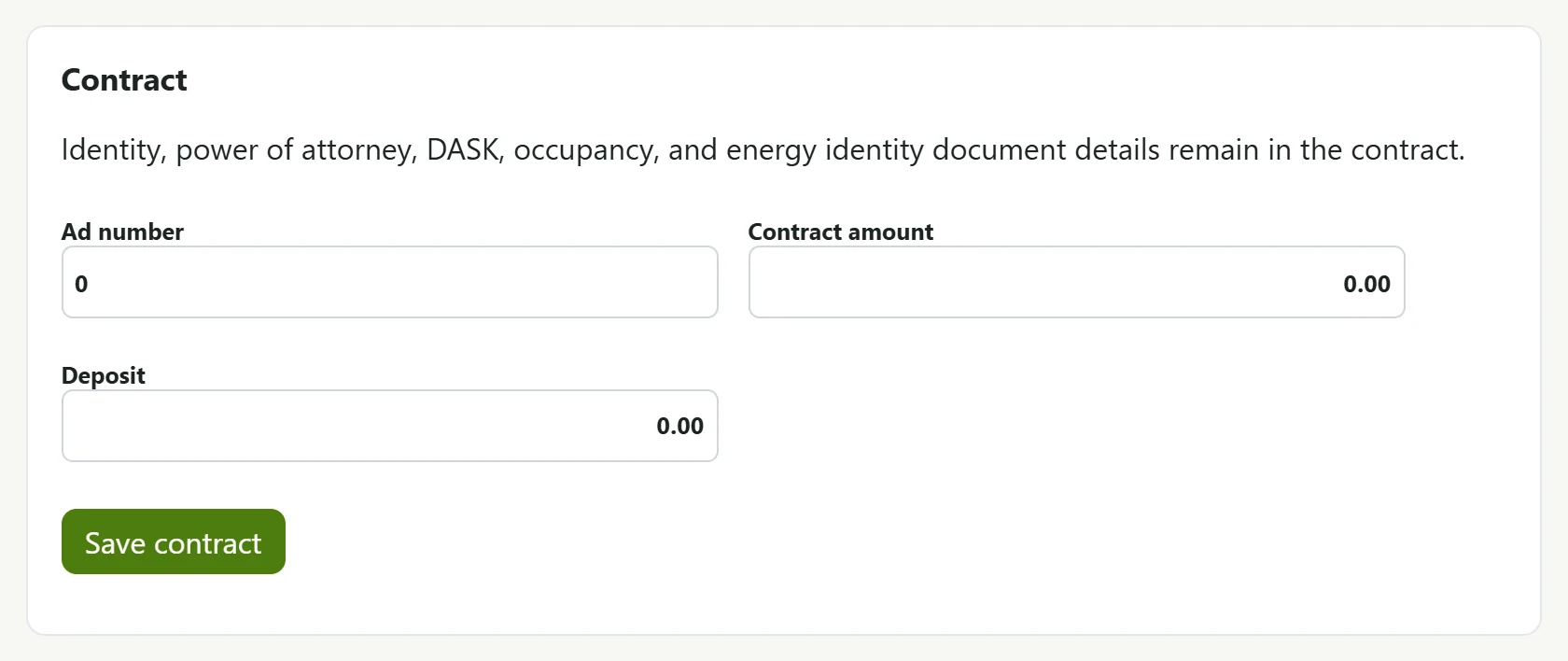
| Ad number | Text | Record number of the listing the contract belongs to. |
| Contract amount | Text | Sale / rent price in the contract. |
| Deposit | Text | Deposit received; if entered, the listing changes to the deposit status. |
- Enter Ad number, Contract amount and, if any, the deposit.
- Press Save contract. The contract is saved as a sales promise with today's date; a note on ID, power of attorney, earthquake insurance (DASK), occupancy permit and energy certificate is added.
When saved:
- if a deposit was entered, the listing changes to deposit status and appears in the Deposit card on Today;
- if the listing has no draft commission, a draft commission of contract amount × Vendor rate % of the authorization (2% without authorization) is created (Commission screen).
Common messages
| Message | Cause | Solution |
|---|---|---|
| Quote saved. / Contract saved. | Saved. | — |
| No record found. | The listing was not found or you may not see it. | Check Ad number. |